
THE GENERATIVE AI PHOTO STUDIO FOR MARKETEERS
Use the Background Remover
to Get Rid of Unwanted Backgrounds
Instantly remove backgrounds from your photos with our advanced AI-powered background remover tool. It’s free and no credit card required.
Upload to see the image in preview before sending
How to use background remover?

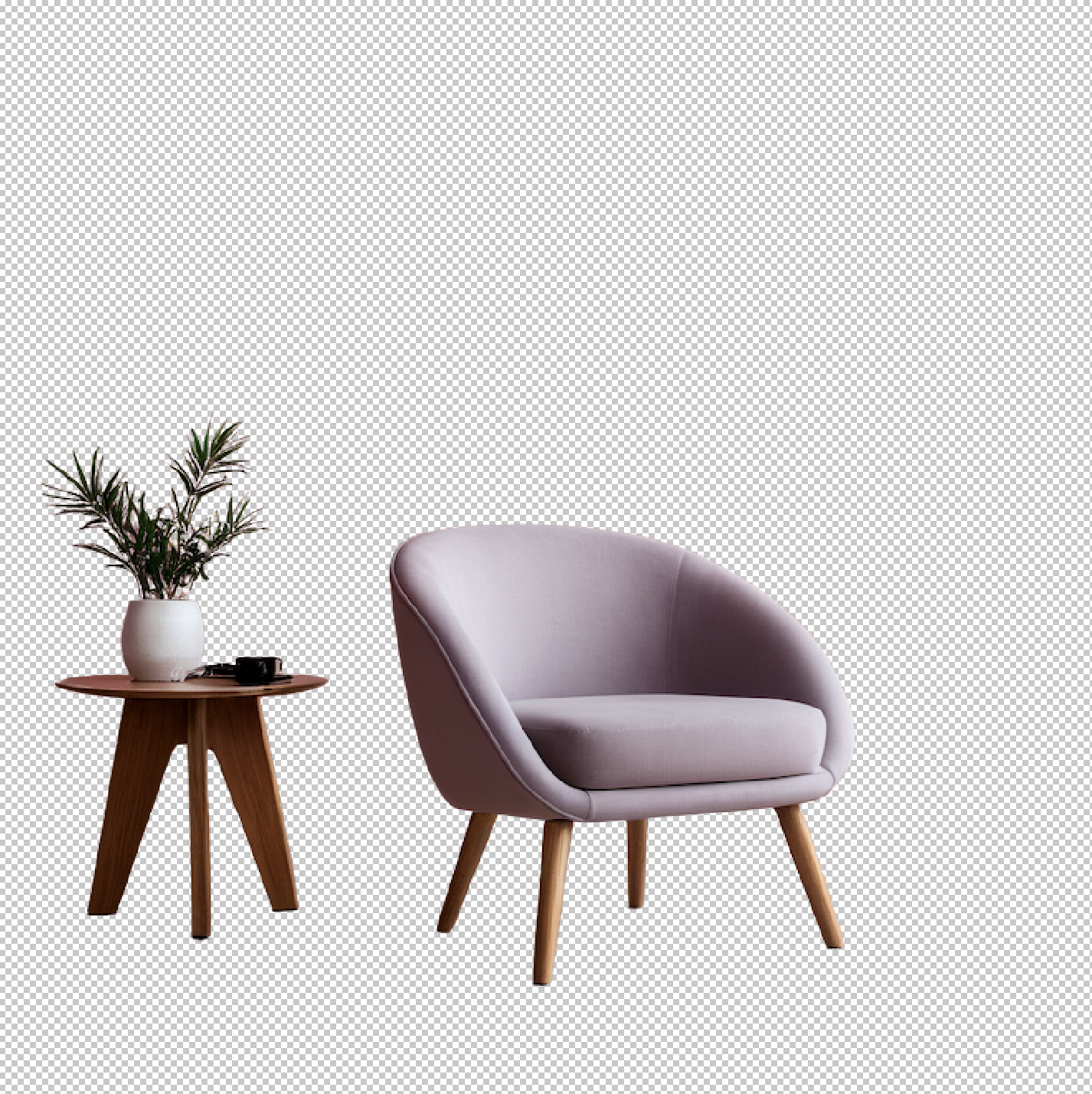
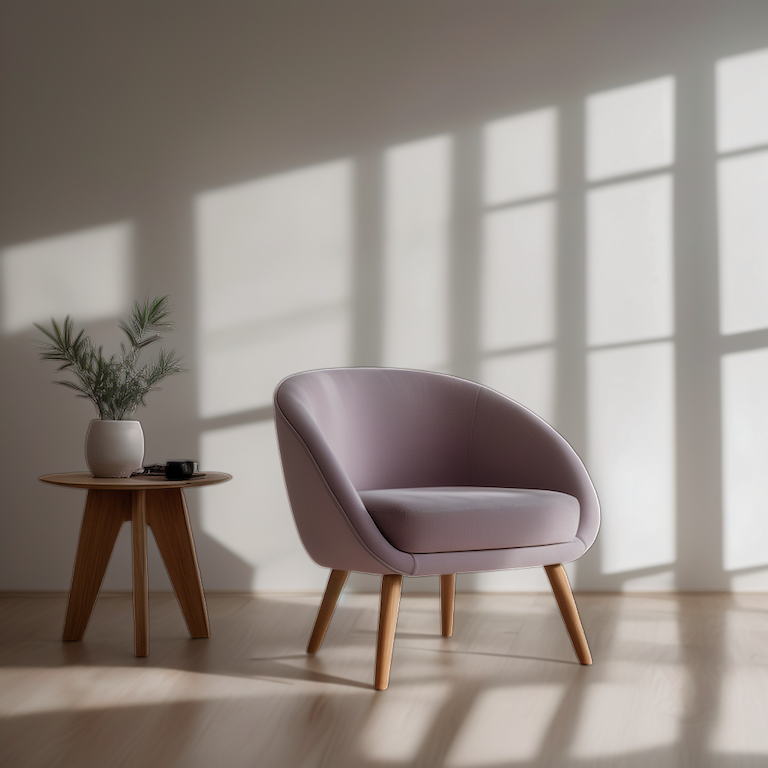
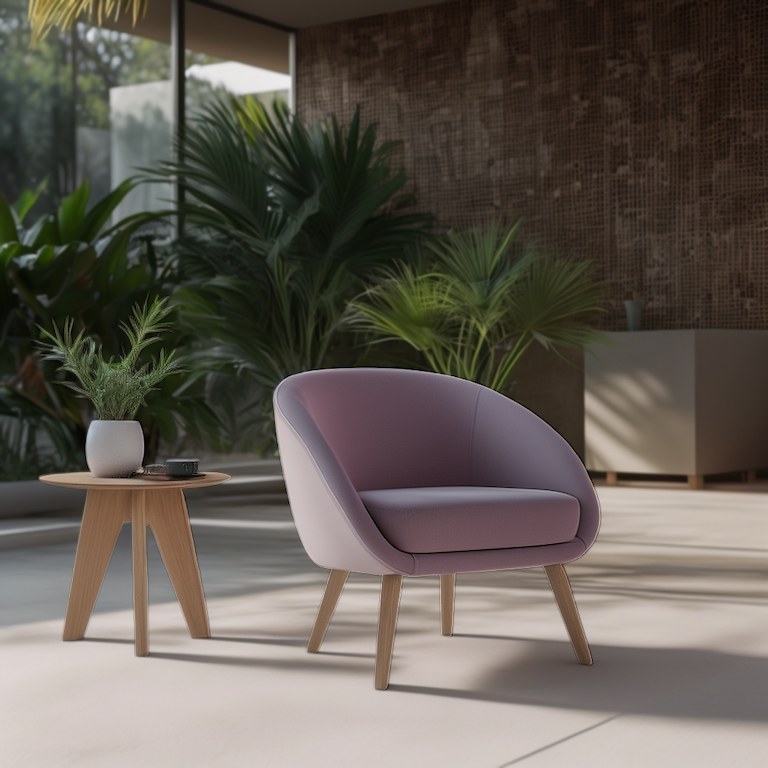
Automatic and Instant AI Background Remover
The result is a clean and professional, ready to publish on social media posts or in a marketing asset. Whether you're a designer, a marketer, or simply someone who enjoys striking visuals, our background removal tool is your go-to solution.
Enhancing the Visual Appeal of Your Products
Background removal tools are essential for improving the aesthetic quality of photos, creating a cleaner and more focused presentation of your subjects.
Streamlining Your Photo Editing Workflow
Save time on image editing and boost efficiency with precise and quick background removal. This tool is especially valuable for high-volume tasks like product photography, where speed and accuracy are crucial.
Creating Engaging Content for Marketing Strategies
Use a background remover to craft captivating visual content that elevates your advertising campaigns. Achieve custom images that perfectly align with your brand's messaging and aesthetic, making your visuals truly stand out.
No Credit Cards or Subscription required.
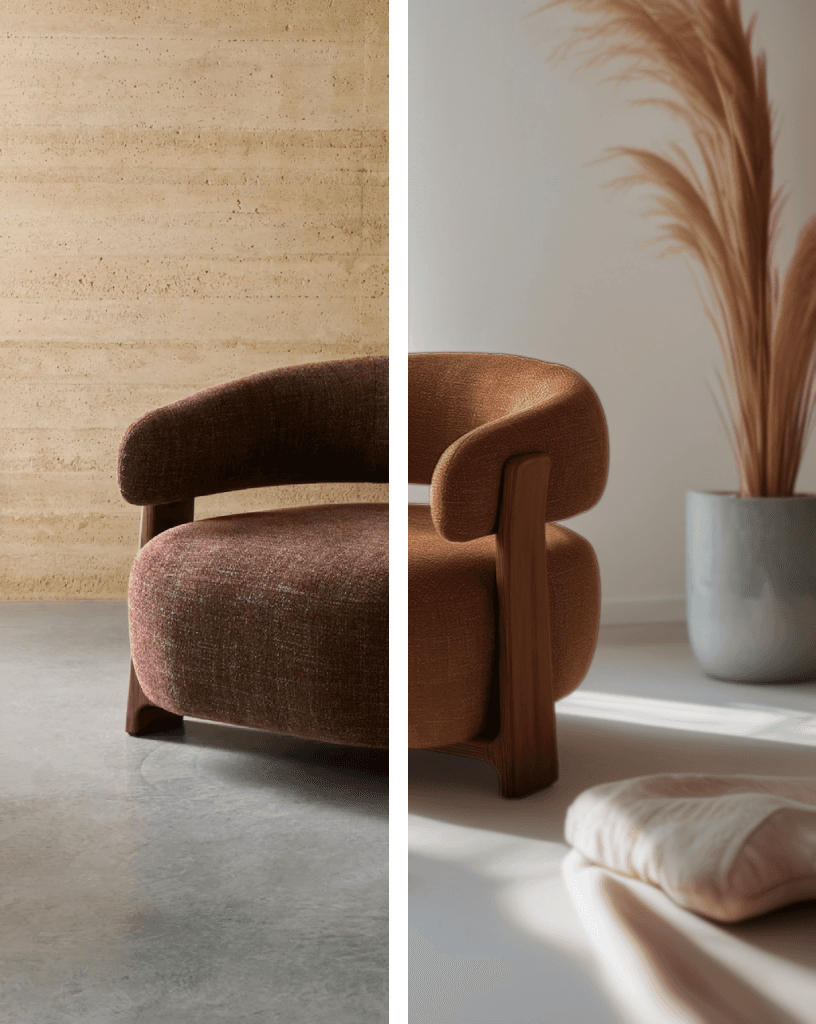
Background Remover for E-commerce
Our picture background remover offers a wide range of options to customize your images. After removing the background, you can add a white background, change the background color to black, choose from various pre-selected images, or leave it transparent.
Enhancing Product Image Quality
In e-commerce, background removers are crucial for improving product image quality, ensuring that your items stand out to potential buyers. Achieve a clean, consistent look across all product photos, which is key to online retail success.
Image Editing for Online Retailers (like Shopify, Bigcommerce, Woocommerce, Prestashop and so on)
Background removers simplify the image editing process for e-commerce businesses, making it easier to maintain a professional online presence. This is especially beneficial for small businesses that may lack the resources for extensive photo editing.
Boosting Customer Experience with Clear Images
By providing clear, distraction-free product images, background removers greatly enhance the online shopping experience. This clarity helps customers better understand the product, building trust and potentially driving higher sales.
No Credit Cards or Subscription required.

More than Image Background Remover
Our photo background remover offers much more than just removing backgrounds. After clearing the background, you can add text, resize your image, sharpen details, and even remove unwanted objects. You can also add a shadow for a more realistic look, enhancing the appearance of your products in photos.
Enhance Design Elements with Background Removal
In graphic design, background removers help create cleaner and more focused visuals, enhancing overall visual communication. These tools allow you to isolate objects, making your graphics more impactful and engaging across various platforms.
No Credit Cards or Subscription required.
Frequently asked questions
Can't find the answer you are looking for? Reach out to our customer support team, Reica website.
How to remove background from picture?
Remove the background of a picture is pretty much easy with Reica and its workflow easy-to-use. You just upload or drop any image and click generate! Et Voilà, the background will be removed from the subject like a pro, detailingn the hair and all the minimum pixels.
How to remove white background from image?
Just upload or drop any image and Reica will remove the white background from image easily. The subject should clear and in foreground in the photo.
How does remove specific object in the photo?
To remove specific images in a photo, you will need an object remover tool like Reica. A background removal is only specialized in background removal, and you will not get the result you are looking for.
What formats can I generate social media images in?
Our AI social media image generator allows you to create images in a variety of formats optimized for popular social media platforms.
The most common formats include:
- Square (1:1) – Ideal for platforms like Instagram and Facebook posts.
- Landscape (16:9) – Best suited for Twitter posts, LinkedIn, and Facebook cover images.
- Portrait (4:5 or 9:16) – Great for Instagram stories, Pinterest, and Facebook ads.
- Custom sizes – You can also set specific dimensions to meet the exact requirements of your social media strategy.
How can I upscale images?
Our best in class upscaler you can generate a new image in 2k, 4k, 8k increasing details like never before!
Take a look at our latest generations on Twitter
Want to know more about Background Remover and Reica?
Try the high-quality generations photos today, get the free credits.

Virtual Try On for E-Commerce
Create professional, product page photos, uploading just a 2d or ghost garment photo.
Read more

Remover Background for Marketplaces
Optimize your production pipeline, swapping the right background for thousands of photos in minutes!
Read more
Reica is a high-quality generative photo studio for marketeer and innovative brands.
Visit the site